To delete a post or story written by you, from your Wall, follow these steps:
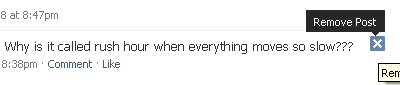

To delete a post or story written by you, from your Wall, follow these steps:

To use any of these services, you need to sign in to your Wadja account first. Then go to “My Labels” and click on their choice of message – Email, SMS or Note. If you now want to send an Email, go to “My label”, click on Email, then you need to click on the inbox. Your inbox will now change to your desired email message box. Read the full article and watch the videos. […]
QRLme is a free service that allow users to create QR codes for their profiles on social sites like Facebook and Twitter, and enable others to find them more quickly there. Users simply have to submit their Facebook/Twitter profiles for them to be converted on the spot […]
Pip.io is a real-time conversation network that gives you access to the latest and most interesting conversations happening around the world. Pip.io is a great way to consolidate all of your social web experiences without the usual fragmentation of conversations. […]
Copyright © 2026 | MH Magazine WordPress Theme by MH Themes
Be the first to comment